Free
Available file formats:
1. Adobe Illustrator - .ai;
2. Microsoft Word - .docx;
3. Vector - .eps;
4. Bitmap - .jpg;
5. Apple Pages - .pages;
6. PDF version - .pdf;
7. Lossless Bitmap - .png;
8. PSD version. The layered file for Adobe Photoshop.
Choose what is more useful for you at this moment.
After making a customization you can print your artwork using your printer or save it for further print in a local print shop.
Badge Insert size:
3-1/4×2″(3.25 x 2″)-82.55×50.8mm
Printable paper size:
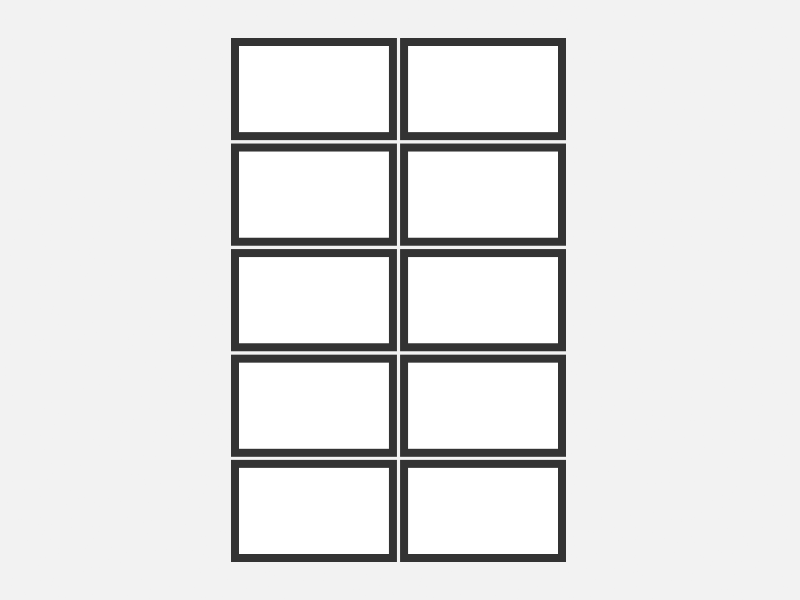
A4. (10 items inside with the crop marks and dashed outlines).
Instructions
- Unzip the downloaded archive.
- Choose the desired badge size and file format from the bundle files (see the file names).
- Place your design into a chosen template and multiply it to all the template placeholders in the printable A4 area.
- (Optional) Save it as a new file or export in another file format.
- Print your artwork using your own printer.
- Cut the cards/tags with a paper trimmer or scissors taking advantage of cutting marks.
Additional information
| Height | 2", 50.8mm |
|---|---|
| Width | 3.25", 82.6mm |
| Orientation | Horizontal |
| Applicable to | clothing labels, luggage tags, name badges, name tags, stickers |
| Brand | Makebadge |
